Why Paperless Workflows Matter More in Field Operations
 August 4, 20266 min read
A job finishes at 2pm on a rooftop or in a basement plant room. The office does not see it until the next morning, if the paperwork survives the trip back at all. That lag is the real reason paperless workflows matter more in field operations than almost anywhere else. In an office, a lost form is an annoyance. In the field, it delays an invoice, breaks a compliance record, or sends a second truck to a job that was already done. Field teams work in dead zones, on moving schedules, across dozens of sites a week. Paper was never built for that, and most of the digital tools sold as a fix were not either.
The field-to-office gap is what makes paper so expensive
Paper does not just slow one step. It opens an information gap that every other problem grows out of. When a crew closes a job on a clipboard, dispatch, billing, and compliance all keep working from yesterday's picture. Poor field-to-office communication drives roughly 26% of construction rework and around 17 billion dollars a year in unnecessary US costs, according to FMI and Autodesk research.
Manual re-entry makes it worse. Every time someone retypes a field ticket into an accounting system, the record picks up fresh errors. Studies put manual data entry error rates at 1 to 4% per field, so a job ticket carrying a customer address, a parts list, labour hours, and a total has plenty of room to go wrong before anyone bills it.
Paperless workflows close that gap by making the field record the office record. There is nothing to transcribe, nothing to lose in a truck cab, and nothing to reconcile at 6pm. That is the whole point, and it is why workflow automation and operational visibility pay off faster in the field than at a desk.
Why off-the-shelf tools quietly break in complex field operations
Most "go paperless" advice ends at buying a digital forms product. For a two-person shop, that works. For an operation running utilities inspections, multi-trade maintenance, or regulated site work, it quietly recreates the paper problem in digital form.
You end up with a forms tool that does not talk to billing, a scheduler that does not know what the technician saw on site, and admin staff copying data between the two by hand. That is the same re-entry you were trying to kill, now with extra logins. Vendors rarely mention this because their product is one box in a chain they do not own.
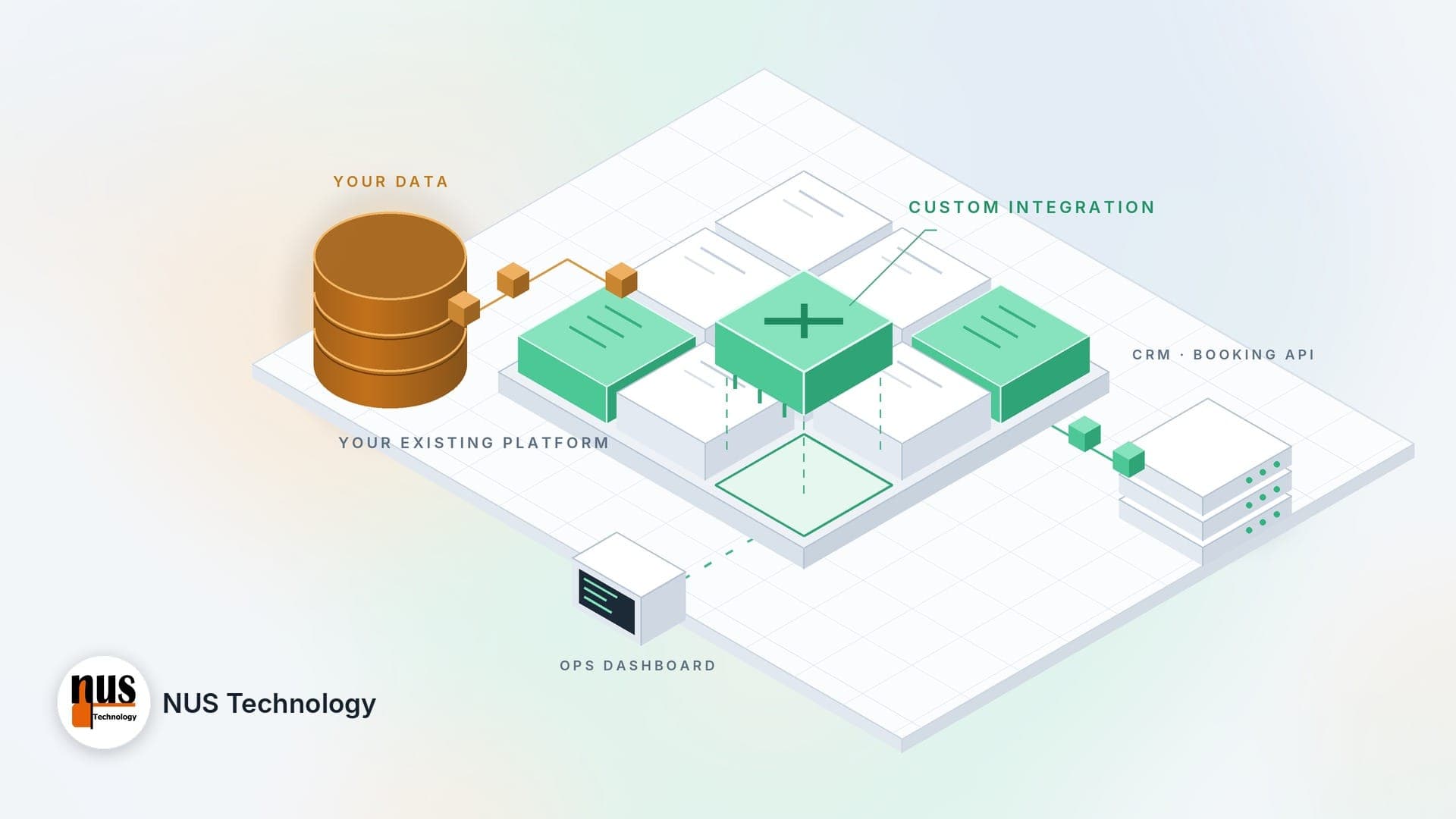
The fix is not another app. It is a connected operations backbone where the field record flows into dispatch, invoicing, and compliance without a human retyping it. That usually needs real system integration, not a fragile automation hop. When we re-architected Propmap.io, a field service platform used across the UK and Europe, the goal was never digital forms on their own. It was a workflow engine where a signed-off job generates its own invoice and compliance certificate.
Offline-first is the make-or-break for paperless field service
Here is the detail most vendor pages skip: a paperless workflow that needs a signal is not paperless, it is fragile. Technicians work in basements, plant rooms, rural sites, and underground where coverage disappears. If the app stalls without a connection, crews fall back to pen and paper, and you are back where you started.
Real offline-first design is harder than a toggle labelled "offline mode." The app has to pre-load work orders, store new entries locally, queue photos and signatures, timestamp everything, and resolve conflicts when two updates sync at once. Get that wrong and you get lost records or duplicate jobs, which is worse than paper because now nobody trusts the system.

Propmap's Flutter mobile app was built for exactly this: local storage, background sync queues, timestamping, and conflict resolution, so a job logged in a dead zone lands cleanly once signal returns. That reliability is what separates a paperless field service system people actually use from one they abandon by week two. If you are choosing or building a tool, test it in your worst dead zone before you trust it anywhere.
What a connected paperless workflow looks like end to end
Picture one work order moving through a day. Dispatch assigns it by location and skill using GPS. The technician opens it on a phone, sees the site history, fills a form that changes based on the asset and the compliance rules, captures photos and a customer signature, and marks it done. The moment they sign off, the system generates the compliance PDF and triggers the invoice. Nobody retypes anything.

That is workflow automation handling the boring, error-prone middle for you, and the results are measurable. After Propmap moved to this model, the platform cut administrative time by 40%, lifted on-site efficiency by 25%, and turned payments around 30% faster, because invoices fired the moment a job closed instead of days later. Same crews, same jobs, far less friction between the field and the money. The difference is not that the forms went digital. It is that the record never stops moving once a technician taps "complete."
How to move to paperless workflows without the chaos
You do not need a big-bang switch. Pick one job type or one crew, digitise that, and expand once it holds up. Keep a tiny paper backup for genuine outages, but make digital the default so nobody drifts back to the clipboard out of habit.
Expect some resistance. Most of it is fear of looking slow with a new app rather than a real objection, and patient one-on-one training usually clears it. Test offline behaviour early, because that is where cheap tools fail. Then measure a real baseline: time saved per technician, invoice cycle time, and the count of missing or incomplete records after 30 days.
If your operations are complex enough that no product fits cleanly, that is the point where a custom mobile build or a business analysis pass earns its cost, mapping how your teams actually work before a line of code gets written. The tool should bend to your process, not the reverse.
FAQ
What does going paperless in field operations actually mean?
It means digitising the whole job lifecycle, not just swapping a form for a PDF. Work orders, site data, photos, signatures, sign-off, invoicing, and compliance records all live in one connected flow. The test is simple: when a technician marks a job done, does billing and compliance update on their own, or does someone still retype it? Only the first case is truly paperless.
Do paperless field apps work without internet?
Good ones do. A field app should pre-load work orders, let technicians capture data offline, then sync automatically when signal returns without losing anything. This matters because crews regularly work in basements, rural areas, and industrial sites with no coverage. If an app freezes offline, staff revert to paper, which defeats the purpose. Always test offline behaviour in your worst dead zone before rolling out.
How much time do paperless workflows save field teams?
It varies by operation, but the gains are real. On the Propmap platform, moving to a connected paperless model cut administrative time by 40% and sped up payment turnaround by 30%, mostly by removing manual re-entry and generating invoices at sign-off. Most of the saving comes from closing the field-to-office gap, not from the forms themselves being on a screen.
Should I buy a field service app or build a custom one?
Buy when your process fits a standard product and your integrations are simple. Build, or heavily customise, when your operations span multiple trades, regulated compliance, offline sites, or systems that must exchange data reliably. The deciding question is whether an off-the-shelf tool forces your teams to work around it. If it does, that workaround cost usually outweighs the price of software built for your process.
Conclusion
Paperless workflows matter more in field operations because the field is where the information gap does the most damage: delayed invoices, broken compliance records, wasted trips. Scanning forms is the easy part. The value shows up when the field record flows straight into billing and compliance, and when the app keeps working in the dead zones your crews actually operate in. Get those two things right and paper stops being a bottleneck. If you are weighing whether an off-the-shelf tool can carry your operation or whether you need something built around it, browse our field operations case studies or talk to our team about where your current workflow leaks time.