Live Captions With the Internet Switched Off: Inside ClearHear
 August 24, 20265 min read
Turn on airplane mode and start talking. The captions keep coming.
That's the entire pitch for ClearHear, the first project in NUS Labs. It's a cross-platform mobile app that captures microphone audio and generates live captions on the device: no server, no API key, no round trip. Sessions are stored locally, searchable, exportable, and summarized by a language model that also runs on the phone.
The source code is on GitHub. This post is about why it was harder than it sounds.
Three constraints that fight each other
Plenty of apps do speech-to-text. Very few do all three of the following at once, and each one makes the others worse.
1. It has to be live. Not "record, upload, wait, receive transcript." Words need to appear while the sentence is still being spoken, the way subtitles do. That rules out the batch-processing approach almost every tutorial uses, because batch models want the whole utterance before they commit to an answer.
2. It has to be offline. No cloud ASR. That removes the easiest path to accuracy (large server-side models) and replaces it with whatever will fit in a phone's memory and run inside a real-time budget.
3. It has to feel like a finished product. Adjustable font sizes, light and dark themes, session history, search, export. An accessibility tool that's technically impressive but unpleasant to read is not an accessibility tool.
The engineering goal was to satisfy all three simultaneously: offline captions that keep pace with live speech, in an app that doesn't feel like a demo.
What the app actually does
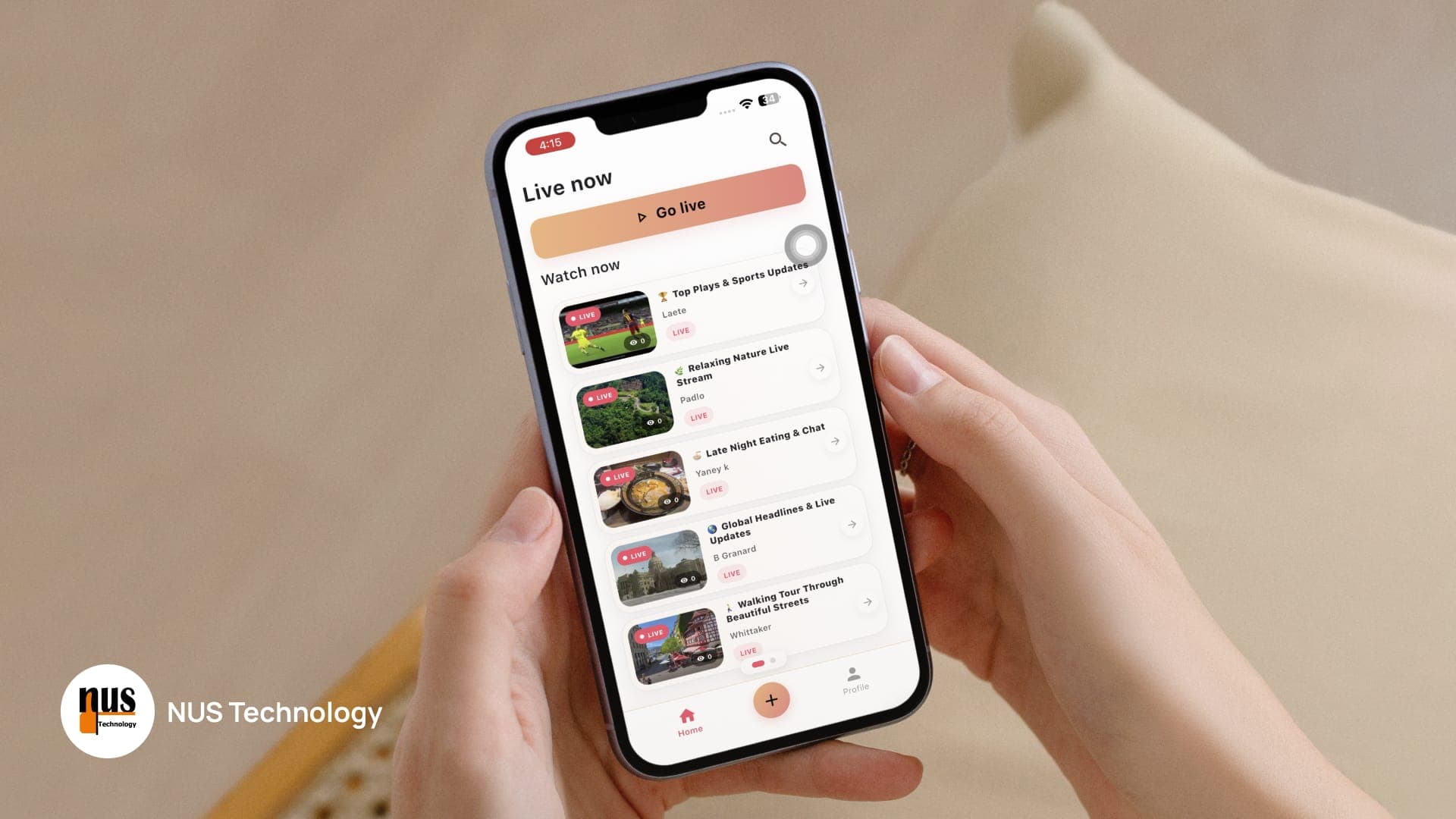
Start a session and captions begin appearing as you speak. They update continuously with partial recognition results, then settle into finalized text, the same visual rhythm as broadcast subtitles, where words firm up a beat after they're said.
When more than one person is talking, the transcript labels them: Speaker 1, Speaker 2. Nobody tags anything manually.
You can pause mid-session and resume without starting over, which is useful when a meeting breaks or a conversation pauses. Every session is saved locally, and past sessions can be searched by their contents, opened, exported as plain text, or read as an automatically generated summary.
If a phone call comes in, recording pauses and resumes on its own. If the interruption runs long, the session finalizes safely rather than sitting in a broken state.
The architecture
One Flutter codebase serves both iOS and Android, organized in layers:
View → Controller → Service / Repository → DatabaseService / Native Platform
GetX handles presentation, navigation, dependency injection, and state management. Repository abstractions keep business logic separate from persistence, so the transcript store can change without touching the captioning flow. Native platform integrations handle the things Flutter can't reach on its own. The most important of those is background audio.
The stack:
| Layer | Choice |
|---|---|
| Mobile | Flutter & Dart |
| State / DI / routing | GetX |
| Local database | SQLite (sqflite, WAL mode) |
| Search | SQLite FTS |
| Speech recognition | sherpa-onnx streaming Zipformer2 |
| Speaker identification | sherpa-onnx speaker embeddings (Cam++ / 3D-Speaker) |
| On-device LLM | flutter_llama with Qwen2.5-0.5B (GGUF) |
| Platforms | iOS, Android |
Recognition, speaker ID, storage, and summarization all execute locally. The network is touched exactly once: downloading the models during initial setup.
Five problems worth writing about
Streaming recognition, not batch transcription
This is the decision the rest of the app is built around. ClearHear uses sherpa-onnx's streaming Zipformer2 model, which processes audio continuously and emits partial hypotheses as it goes.
The practical consequence is that the UI has to be comfortable with text that changes. A word displayed at t=0.4s may be revised at t=0.9s before it finalizes. Handling that gracefully, which means rendering partial results, replacing them in place, and committing finals without flicker or scroll jumps, is as much of the work as running the model.
The payoff is perceived latency. Users don't experience the model's actual processing time; they experience the gap between speaking and seeing something. Streaming collapses that gap to near zero even when final accuracy arrives slightly later.
Speaker identification without a cloud diarization service
Speaker embedding models (Cam++ / 3D-Speaker) generate a voice fingerprint for segments of audio, which are then clustered into distinct speakers as the conversation progresses. Captions get labelled automatically.
Diarization is normally a server-side service, and it's normally expensive. Running it on-device means multi-party conversations stay readable without any of that dependency, which matters more than it sounds. An unlabelled transcript of a three-person meeting is close to useless.
An LLM that fits on a phone
Every session gets summarized by Qwen2.5-0.5B, quantized to GGUF and run through flutter_llama.
The interesting constraint here is scheduling, not inference. A phone doing real-time ASR is already using its compute budget. Summaries are therefore queued and processed sequentially in the background, so generating one never competes with an active captioning session or blocks the interface. The user gets a responsive app; the summary arrives when it arrives.
Audio interruptions that don't destroy the session
On mobile, your microphone is not yours. Calls arrive, other apps grab audio focus, the OS makes decisions on your behalf.
ClearHear pairs audio_session with a platform-specific interruption manager. Short interruptions pause and auto-resume. Interruptions past a defined threshold finalize the session cleanly rather than leaving a half-written transcript in an ambiguous state.
This is unglamorous work that determines whether people trust the app. A captioning tool that silently loses ten minutes of a meeting gets deleted after the first time it happens.
Local-first storage that stays fast
Transcripts live in SQLite with WAL enabled, which matters when writes are happening continuously during a live session while the UI is reading. Search runs on SQLite FTS, so finding a phrase across months of sessions doesn't require scanning every record.
The honest trade-offs
Anyone considering this architecture for production should know what it costs.
Model size is a real onboarding cost. ASR, speaker embedding, and LLM weights have to get onto the device before anything works. That's a first-run download, and it needs to be designed for rather than treated as an afterthought.
A 0.5B model is a 0.5B model. Qwen2.5-0.5B produces useful session summaries. It is not GPT-class, and it shouldn't be sold as such. For summarizing what was discussed in a 20-minute conversation, it's well-matched to the job. For nuanced analysis, it isn't.
Sustained inference costs battery and heat. Continuous ASR is real work for the CPU. Long sessions have thermal and power implications that a cloud-based approach pushes onto someone else's hardware.
Accuracy ceilings are lower than server-side ASR. A model constrained to phone-sized compute will trail a large cloud model, particularly in noisy environments or with heavy accents.
The trade is deliberate. You give up some accuracy and some battery, and you get back zero latency floor, zero per-minute cost, zero network dependency, and zero data leaving the device. For a large class of applications, that's a very good trade.
Where this architecture belongs
The pattern fits any situation where the audio itself is sensitive, the connection is unreliable, or the volume makes per-minute pricing untenable.
- Healthcare operations: consultation notes and patient conversations that shouldn't be transmitted anywhere, and don't need a data processing agreement if they never move.
- Field service and workforce: technicians documenting work in basements, plant rooms, and remote sites where connectivity is theoretical.
- Education and learning: live captioning for accessibility in lecture halls, without per-student transcription costs scaling against you.
The common thread is that on-device isn't only a privacy feature. It's a cost structure and a reliability guarantee at the same time.
Read the code
ClearHear is open source: github.com/nustechnology/Transcribe-Summarize-ClearHear
The full technical breakdown, architecture diagram, and demo video are on the Labs project page.
If on-device AI, real-time processing, or offline-capable mobile is on your roadmap, talk to our team. This is the kind of problem we like.